

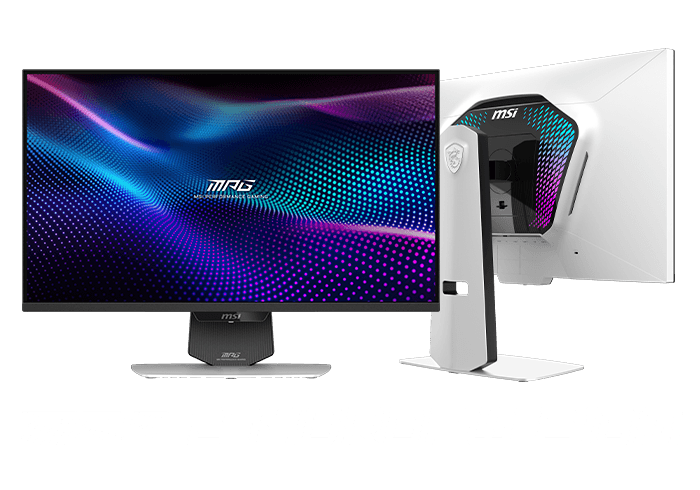
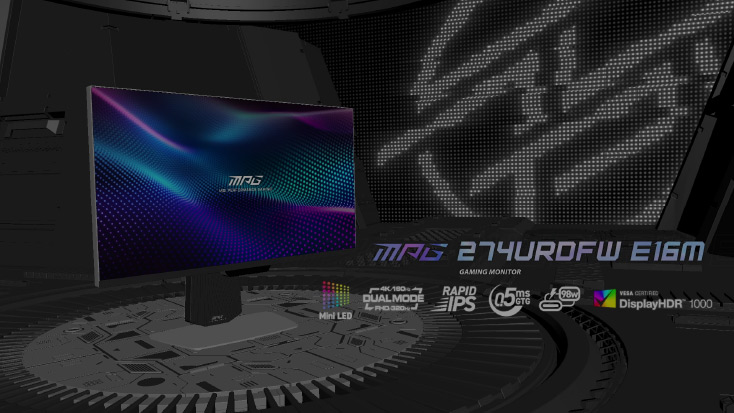
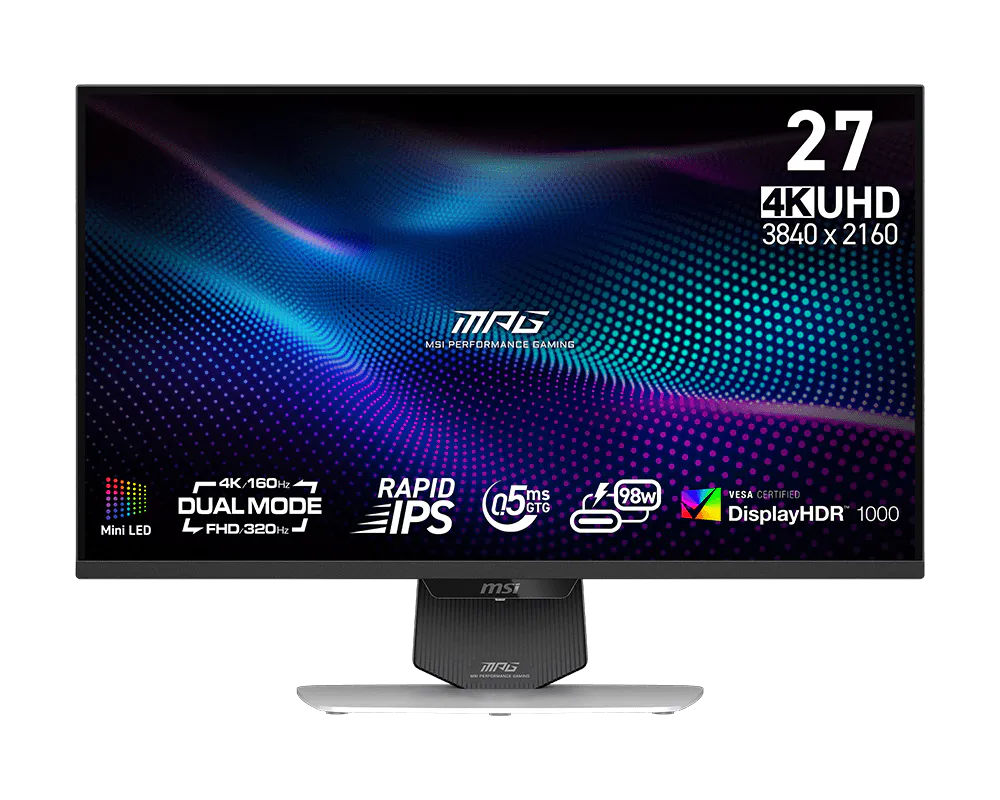
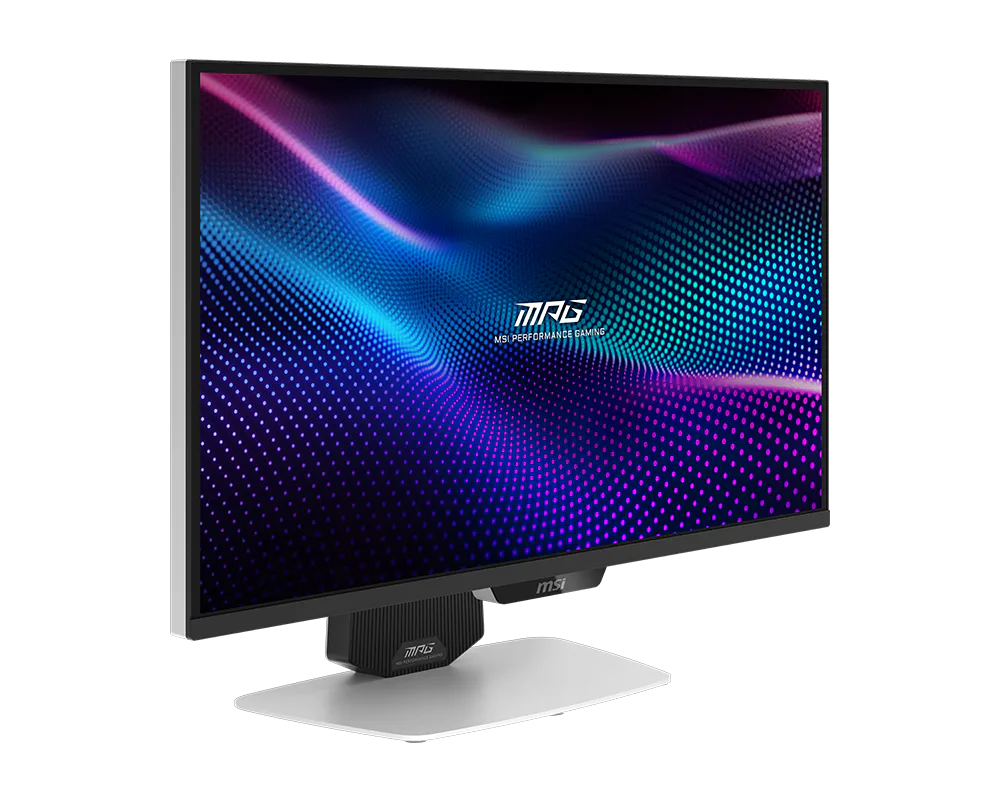
The MSI MPG 274URDFW E16M Gaming Monitor features Mini-LED technology, Dual Mode with UHD 160Hz and FHD 320Hz, a Type-C with 98W power delivery, and AI Navigator that enhances the gaming experience. Its stunning 27-inch Rapid IPS display with Quantum Dot technology delivers a 0.5ms (GtG, min.) response time and is certified with VESA DisplayHDR 1000 for exceptional visual performance.

MSI's premium MPG series is engineered for gamers who demand strong performance and sleek design. Each product showcases cutting-edge aesthetics and vibrant colors, reflecting MPG's commitment to exceptional design. With optimized configurations, MPG creates a visually striking and powerful gaming experience that leads the trends.
Learn more >


1152
ZONES





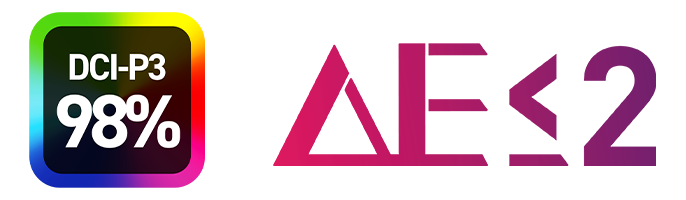
DCI-P3
98%
Adobe RGB
100%
sRGB
140%


AI NAVIGATOR



One-Click Switch
Stunning Mini-LED Visuals
Experience exceptional brightness and precision with Mini-LED technology. Featuring 1,152 full-array local dimming zones, it delivers superior contrast, deeper blacks, and vibrant colors, enhancing HDR performance and providing stunning clarity for an immersive viewing experience.
Mini-LED 1152 Zones

Quantum Dot Film

Rapid IPS

Conventional LED

Full Array Mini-LED

Brilliance in Every Shade
The monitor features Quantum Dot technology and DisplayHDR 1000 for stunning brightness and deep contrast. With DCI-P3 98% color gamut and Delta E≤2 accuracy, it delivers rich, lifelike colors. Enjoy breathtaking clarity for gaming, content creation, and entertainment.


Dual Mode — Two Displays in One
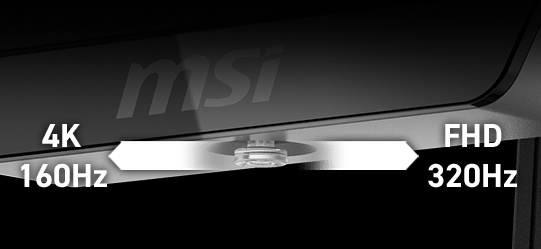
Dual Mode allows you to select the resolution and refresh rate that best suit your game—choose a higher refresh rate with lower resolution for fast-paced FPS games or enjoy crisp 4K visuals with a lower refresh rate. Designed with a user-centric approach and ergonomic convenience, it features a 5-way Joystick Navigator and a one-click switch button, making it easy to toggle Dual Mode settings and providing a seamless, user-friendly experience.


Dual Mode - Two Displays in One
AI Dual Mode, exclusively developed by MSI, is an AI-powered feature that detects the current resolution and refresh rate, automatically adjusting to the optimal refresh rate when switching resolutions. No need to tweak Windows settings—players can enjoy seamless transitions with ease.


AI Dual Mode
Detects resolution and refresh rate
- UHD 160Hz ⮂ FHD 320Hz
- UHD 120Hz ⮂ FHD 240Hz
- UHD 60Hz ⮂ FHD 120Hz

AI Dual Mode
Detects resolution and refresh rate
- UHD 160Hz ⮂ FHD 320Hz
- UHD 120Hz ⮂ FHD 240Hz
- UHD 60Hz ⮂ FHD 120Hz


AI NAVIGATOR

-
 AI Menu
-
AI CROSSHAIR
-
AI VISION
AI Menu customizes display settings that auto-activate when you launch a game, including AI Crosshair, AI Vision, AI Dual Mode, as well as brightness, contrast, and more. You can also easily export and import profiles to share with friends or apply them on a new monitor.

- Add Your Application
- Customize Profile Settings
- AI Dual Mode Auto-Switches Modes
- Apply Settings
- Quick Setup Share
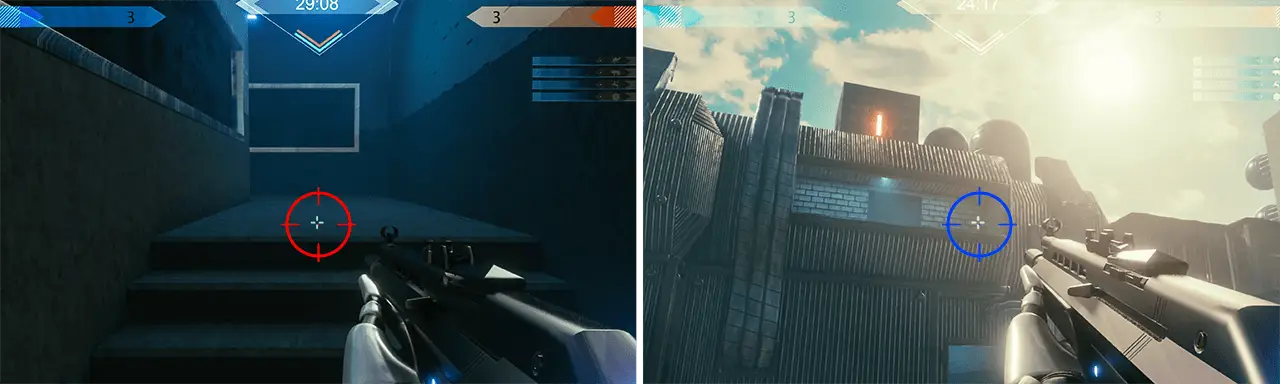
The aim dot automatically changes color, making it visible at any time. If the color of the aim dot overlaps with the background color, it will be problematic for aiming.
The new AI Vision technology can not only reveal details in dark areas but also enhance overall brightness and saturate colors, bringing brightness to your day.
AI VISION OFF
AI VISION ON

Intelligence

-
Intelligence APP
-
-


*The actual software interface and function specifications will vary depending on the software version and monitor model.

GAMING Intelligence APP ADVANTAGES
With the Gaming Intelligence APP it is very easy to set up your gaming monitor. You don't need to use the buttons on the monitor and go through all the menus, just use your Keyboard and Mouse to configure your monitor. The app even gives you hotkey options so you can switch settings between different games with ease.

KVM
Control multiple devices via one set of keyboard, mouse, and MSI gaming monitor.

MYSTIC LIGHT
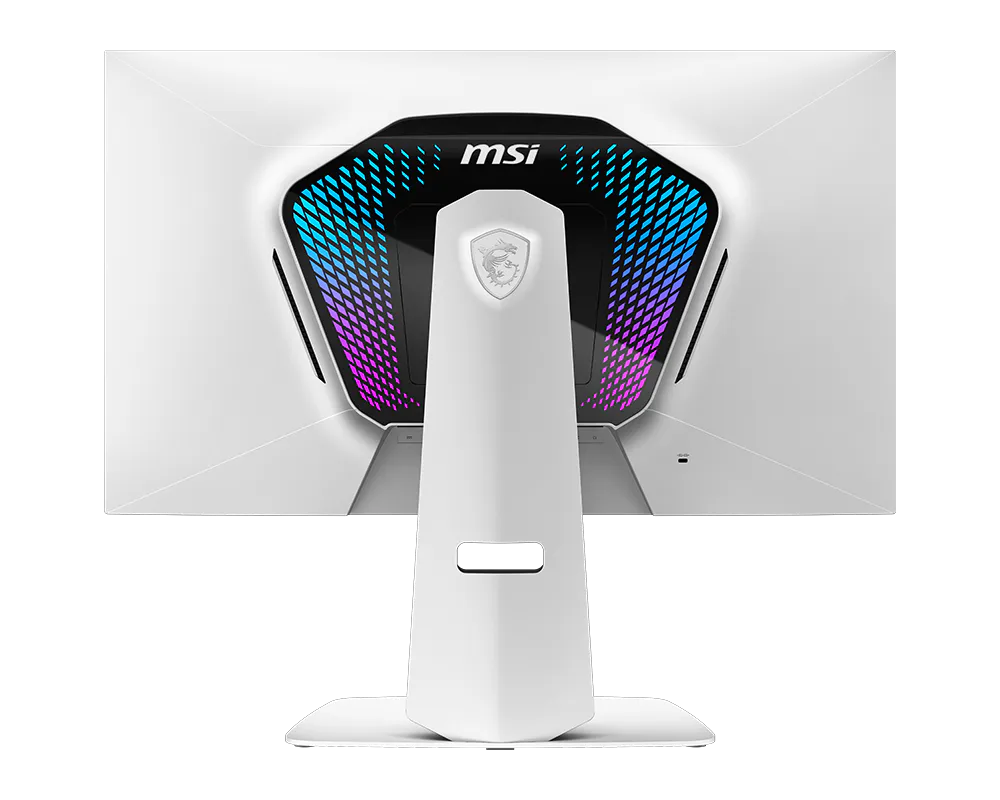
Provides soft ambient lighting with 44 LEDs that easily sync with any Mystic Light-enabled gaming product.

FW UPDATE
Users can easily update the firmware themselves anytime MSI releases a new version.
Optix Scope
The built-in aim magnifier provides multi-stage zooming with shortcut keys to quickly switch the magnification. The screen can maintain the magnification regardless of the weapon used.

ASPECT RATIO OPTIONS
Supports a variety of aspect ratios, allowing selection of 24.5” imagery. Choose the size you want at your leisure, and elevate your gaming experience to the utmost.

Console mode
The monitor supports Console Mode with VRR and ALLM for a smoother, low-latency console gaming experience at up to 120Hz. With built-in HDMI™ CEC (Consumer Electronics Control) technology, it can communicate with controllers, allowing them to wake the monitor and adjust modes tailored to different devices.


SMOOTHEN OUT YOUR GAMEPLAY
The MSI Gaming Monitor is built with Adaptive Sync technology to achieve the smooth visuals for your gameplay. Adaptive Sync technology will sync the refresh rate of your monitor with your GPU to eliminate screen tearing or stuttering. The ultra-smooth and lag-free visuals that Adaptive Sync provide will allow you to enjoy the game the way it was meant to be enjoyed.


-
-
See Clearly, See Comfortably.
Anti-Flicker and Less Blue Light technologies provide a very comfortable viewing experience by reducing the amount of flicker and displaying lower levels of blue light. You can game for longer periods without experiencing eye fatigue.

The World, Right In Front of You
Quantum Dot technology delivers mesmerizing images with a dazzling range of over one billion colors, each enhanced with stunning clarity.


Windows Dynamic Lighting Certification
The monitor has achieved Windows Dynamic Lighting Certification, enabling users to control and synchronize lighting effects across connected devices.
Users can customize brightness, effects, and synchronization for a cohesive experience across compatible devices, ensuring seamless integration with Windows Dynamic Lighting.


-
-
Type-C Display
With USB Type-C cable connection, allowing you to power your devices (up to 98W) and effortlessly display by DisplayPort Alt mode.


- Panel Size27"
- Panel TypeRapid IPS
- Aspect Ratio16:9
- Resolution & Refresh Rate Normal 3840 x 2160 (UHD) 160Hz Dual Mode 1920 x 1080 (FHD) 320Hz
- Response Time0.5ms (GtG, Min.)
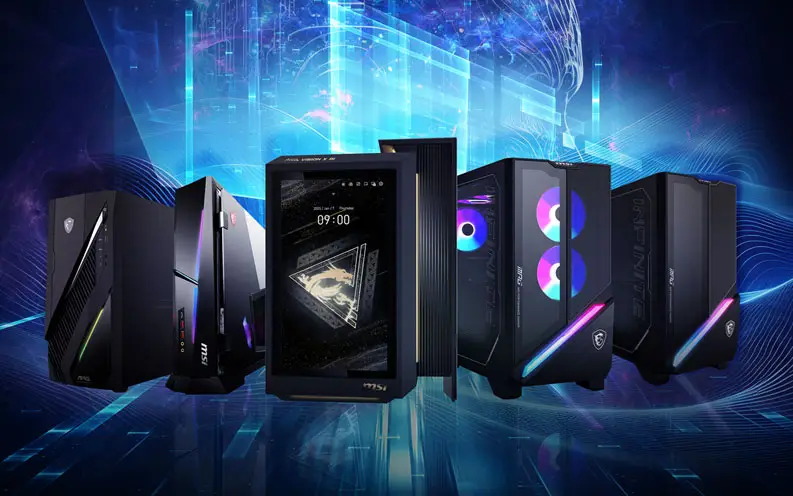
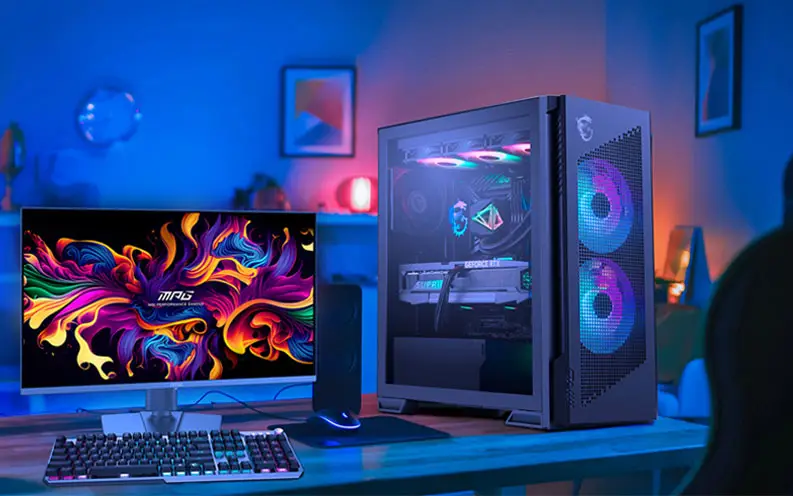
Build the Ultimate Battle Station
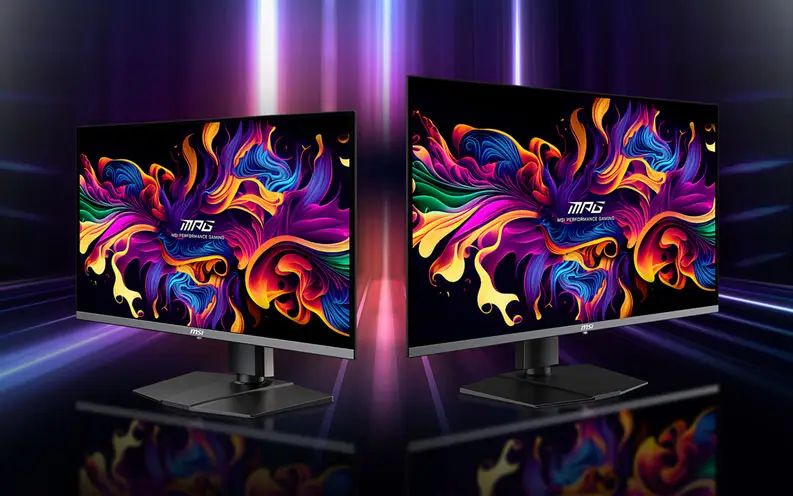

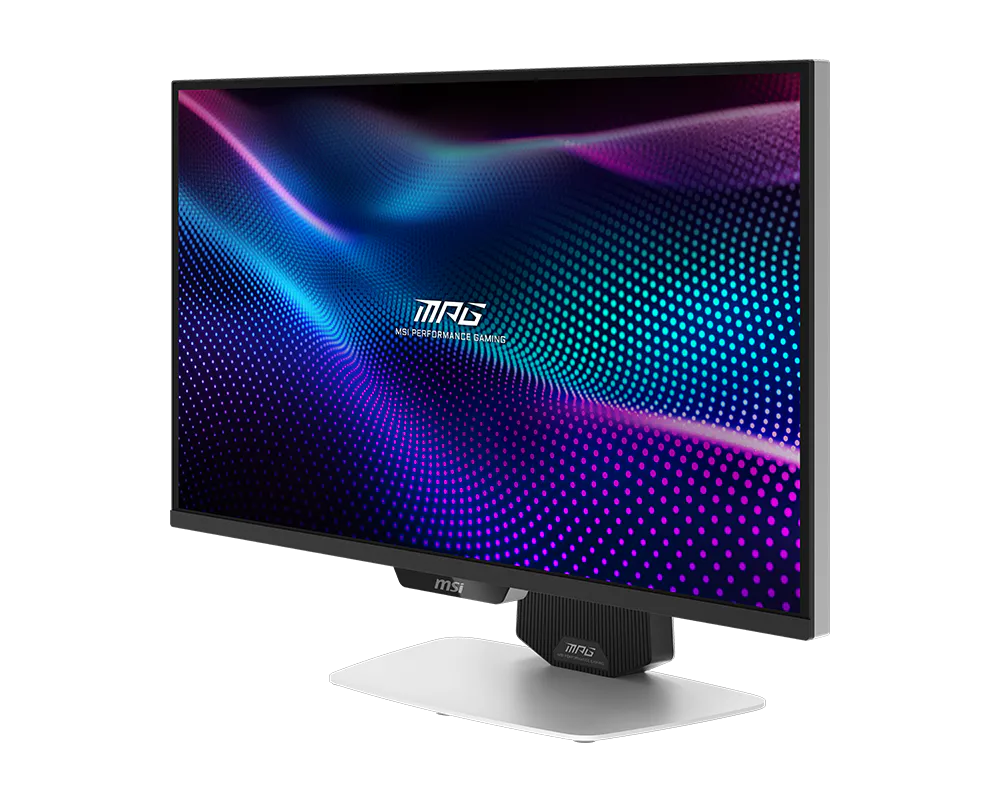
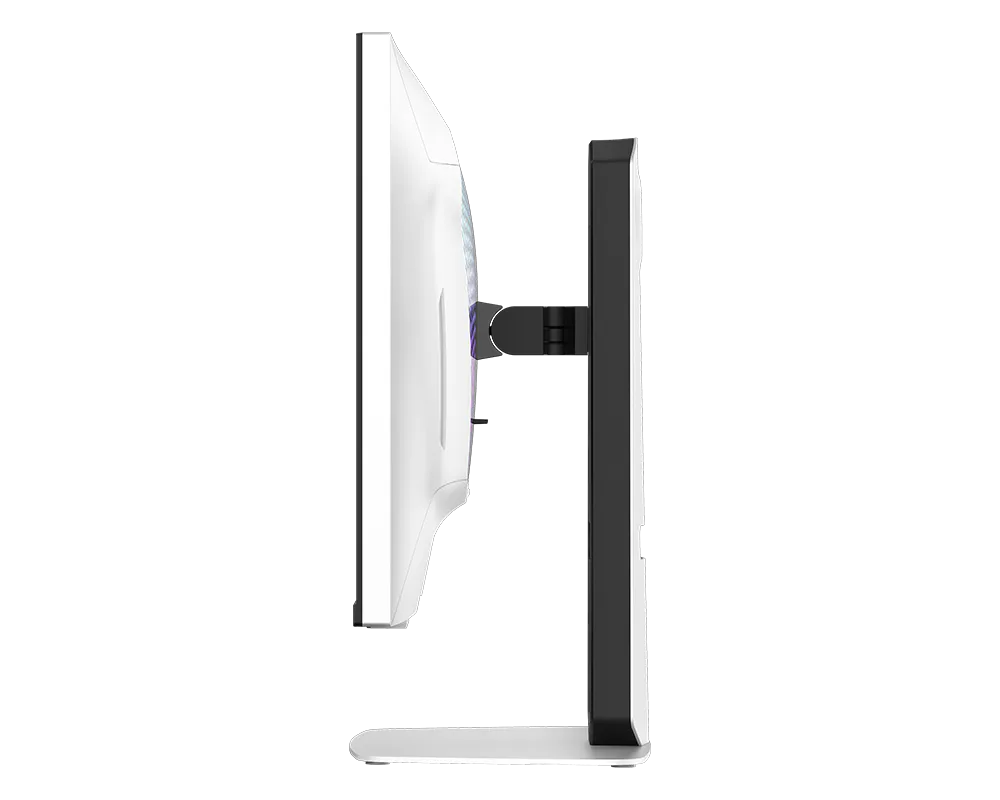
MPG 274URDFW E16M
- Mini-LED – 풀어레이 로컬 디밍과 1,152개 구역을 통해 더 깊은 블랙과 더 밝은 하이라이트로 HDR 품질을 향상시킵니다.
- AI 듀얼 모드 – 해상도 변경 시 최적의 주사율로 자동 조정되어 부드럽게 전환되며, 별도의 수동 설정이 필요하지 않습니다.
- AI 메뉴 – AI 기능으로 디스플레이 설정을 맞춤 구성하며, 게임 실행 시 자동으로 활성화되고 프로필을 쉽게 공유할 수 있습니다.
- 래피드 IPS – 게임 중에도 색상의 강도와 순도를 유지합니다.
- 0.5ms (GtG, 최소) 응답속도 – 화면 찢김과 끊김 현상을 제거합니다.
- VESA DisplayHDR 1000 – VESA 인증을 받은 기술로, 정교한 명암과 섀도 조정을 통해 눈에 띄는 세부 표현을 제공합니다.
- 퀀텀닷 기술 – 10억 개 이상의 생생한 색상을 놀라운 선명도로 구현합니다.
- 원클릭 스위치 – 듀얼 모드에서 해상도와 주사율을 한 번의 클릭으로 즉시 전환하여 게임에 맞게 조정할 수 있습니다.
- 화면비 선택 옵션 – 다양한 화면비 중에서 선택해 더욱 개인화된 게이밍 경험을 제공합니다.


1. 사양은 지역에 따라 달라질 수 있으며, 사전 고지 없이 변경될 수 있습니다. 해당 지역 판매자에게 확인하십시오.
2. 제품의 색은 사진 촬영 기법과 모니터 설정에 영향을 받아 실 제품과 다를 수 있습니다.
HDMI™, HDMI™ High-Definition Multimedia Interface(고화질 멀티미디어인터페이스), HDMI™ 트레이드 드레스 및 HDMI™ 로고라는 용어는 HDMI™ Licensing Administrator, Inc.의 상표 또는 등록 상표입니다.