


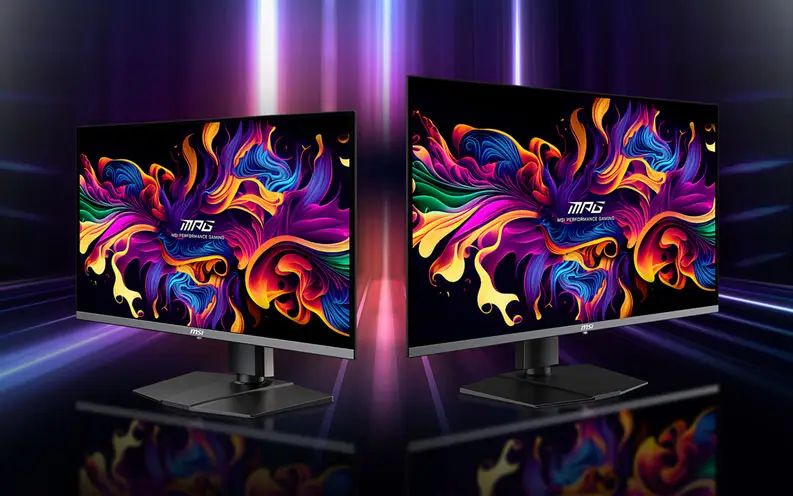
Experience immersive gaming with the MAG 321UPD E14 gaming monitor. Featuring Dual Mode with UHD 144Hz and FHD 288Hz, along with AI Navigator for an enhanced gaming experience, it delivers exceptional performance. Designed for competitive FPS, first-person RPG/MMORPG, and flight/racing simulators, the MAG 321UPD E14 redefines casual gaming, pushing players to see beyond the game.

MSI
AWARDS
MSI's mainstream MAG series epitomizes stability and durability and is built to withstand the most intense gaming sessions. The entire lineup features robust construction with metallic-like hardness and excellent heat dissipation, ensuring stability for all critical gaming components.
Learn more >








DCI-P3
94%
Adobe RGB
91%
sRGB
132%


AI NAVIGATOR

One-Click Switch
Dual Mode
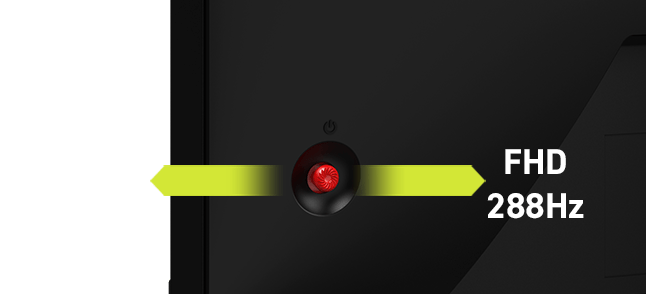
Dual Mode allows you to select the resolution and refresh rate that best suit your game—choose a higher refresh rate with lower resolution for fast-paced FPS games or enjoy crisp 4K visuals with a lower refresh rate. Designed with a user-centric approach and ergonomic convenience, it features a 5-way Joystick Navigator on the right side of the screen and a one-click switch button, making it easy to toggle Dual Mode settings and providing a seamless, user-friendly experience.



Optimized for Comfort, Clarity, and Color
Visual Enhancement
-
AI Dual Mode
-
 AI CROSSHAIR
-
AI VISION
-
 Super Low Motion Blur Sync
-
Personalized Color
AI Dual Mode, exclusively developed by MSI, is an AI-powered feature that detects the current resolution and refresh rate, automatically adjusting to the optimal refresh rate when switching resolutions. No need to tweak Windows settings—players can enjoy seamless transitions with ease.


AI Dual Mode
Detects resolution and refresh rate.
- 4K 144Hz ⇌ FHD 288Hz
- 4K 120Hz ⇌ FHD 240Hz
- 4K 60Hz ⇌ FHD 120Hz

AI Dual Mode
Detects resolution and refresh rate.
- 4K 144Hz ⇌ FHD 288Hz
- 4K 120Hz ⇌ FHD 240Hz
- 4K 60Hz ⇌ FHD 120Hz

The aim dot automatically changes color, making it visible at any time. If the color of the aim dot overlaps with the background color, it will be problematic for aiming.

The new AI Vision technology can not only reveal details in dark areas but also enhance overall brightness and saturate colors, bringing brightness to your day.
AI VISION OFF
AI VISION ON

SLMB Sync Off

Motion blur visible, harder to focus on targets.
SLMB Sync On

Sharper motion, reduced blur, and easier target tracking.
Enhanced Motion Clarity
Activate Super Low Motion Blur Sync (SLMB Sync) to effectively eliminate ghosting and motion blur. This technology keeps fast-moving objects sharp and effortlessly trackable with VRR enabled simultaneously.
Precision Color Control
The MSI QD-OLED gaming monitor features advanced color settings to fine-tune the visual experience. Saturation, Six-Axis Color, and Gamma levels can be easily adjusted to create customized color profiles that perfectly match specific viewing requirements.
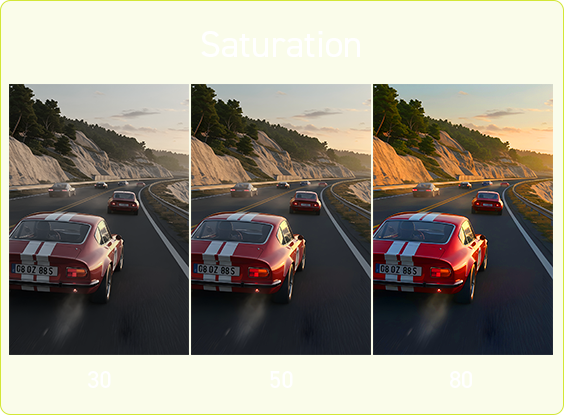
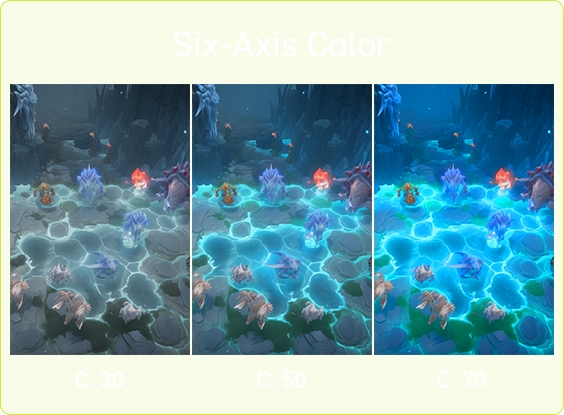
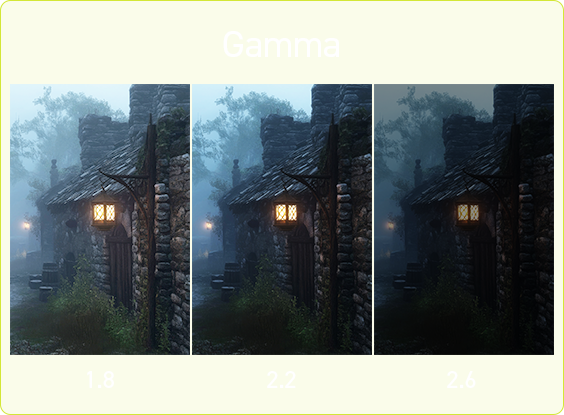
ASSISTANCE

-
-
Console mode + HDMI™ 2.1
Maximize your console gaming experience with HDMI™ 2.1. It delivers a full 48Gbps bandwidth, VRR, and ALLM support for smooth 120Hz gameplay. Built-in HDMI™ CEC allows your controller to instantly wake the monitor and automatically apply tailored visual modes.

HDMI™ 2.1 48Gbps

HDMI™ 2.0 18Gbps
HDMI™ 1.4 10.2Gbps
Optix Scope
The built-in aim magnifier provides multi-stage zooming with shortcut keys to quickly switch the magnification. The screen can maintain the magnification regardless of the weapon used.


-

See Clearly, See Comfortably.
Anti-Flicker and Less Blue Light technologies provide a very comfortable viewing experience by reducing the amount of flicker and displaying lower levels of blue light. You can game for longer periods without experiencing eye fatigue.
Adaptive Sync
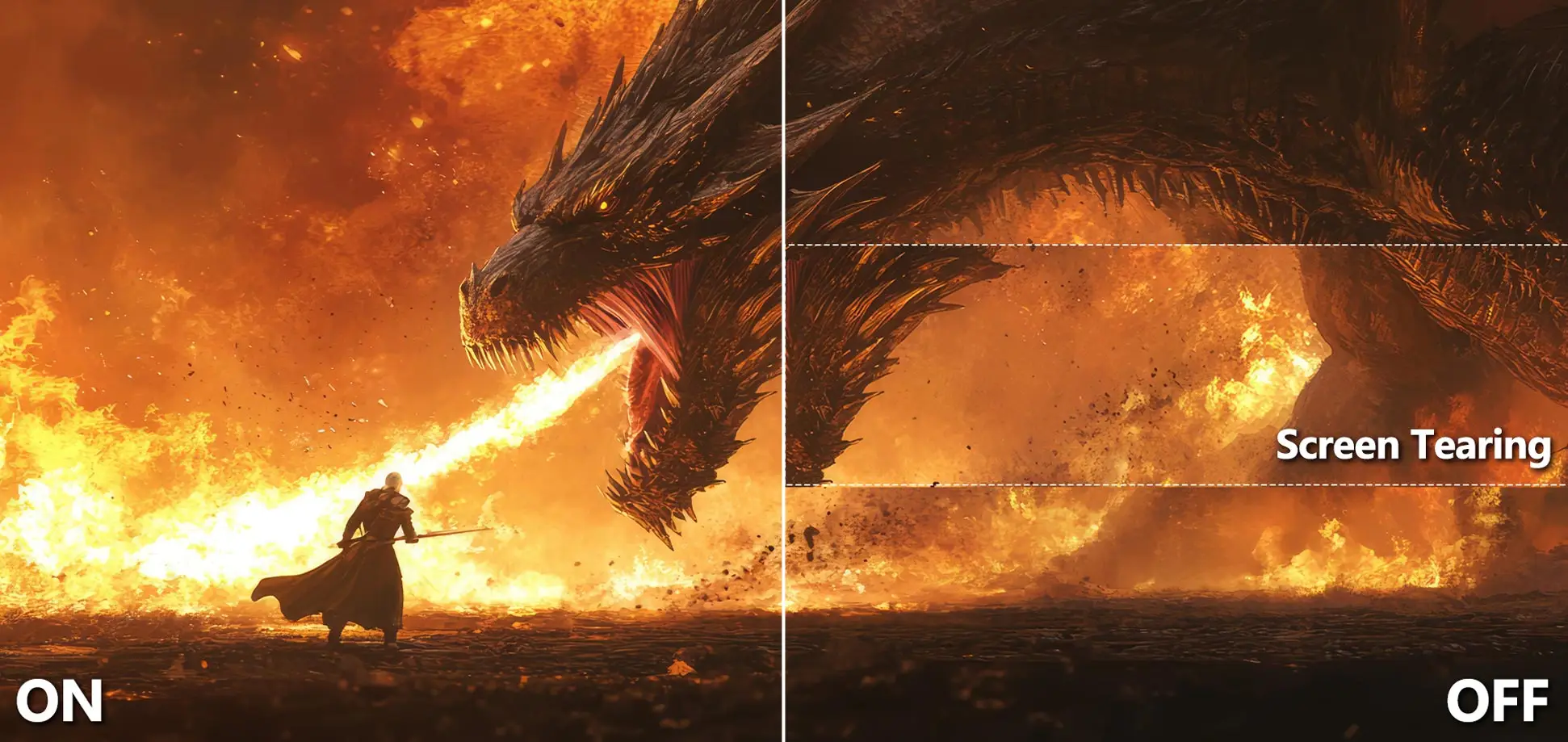
Tear-Free, Stutter-Free Gaming
AMD FreeSync™ Premium Technology
Experience fluid, tear-free performance with the MSI QD-OLED gaming monitor, featuring AMD FreeSync™ Premium technology.
It eliminates screen tearing and stuttering for an ultra-smooth visual experience.

Adjust to Your Perfect Angle
Ergonomic Design
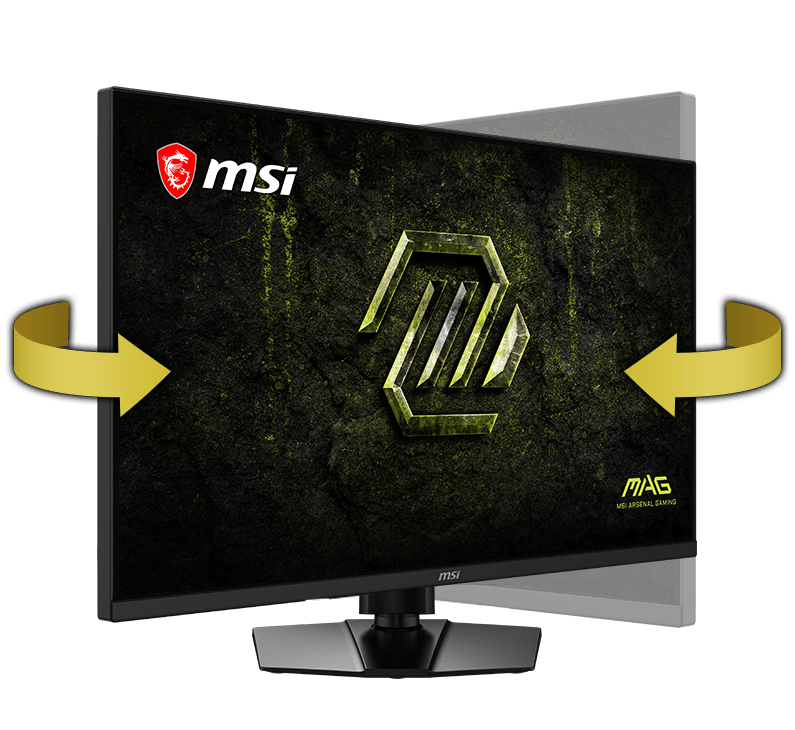
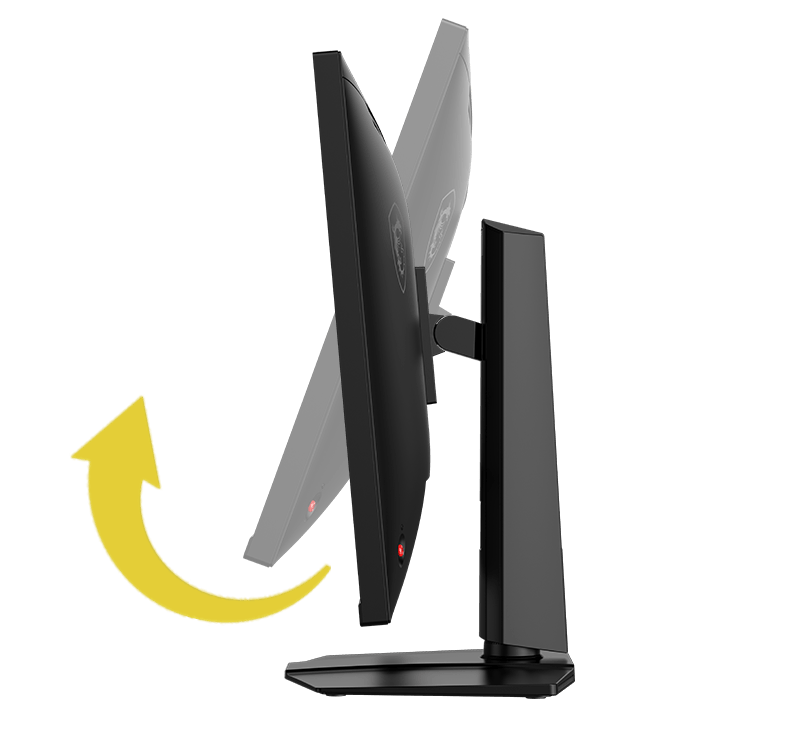
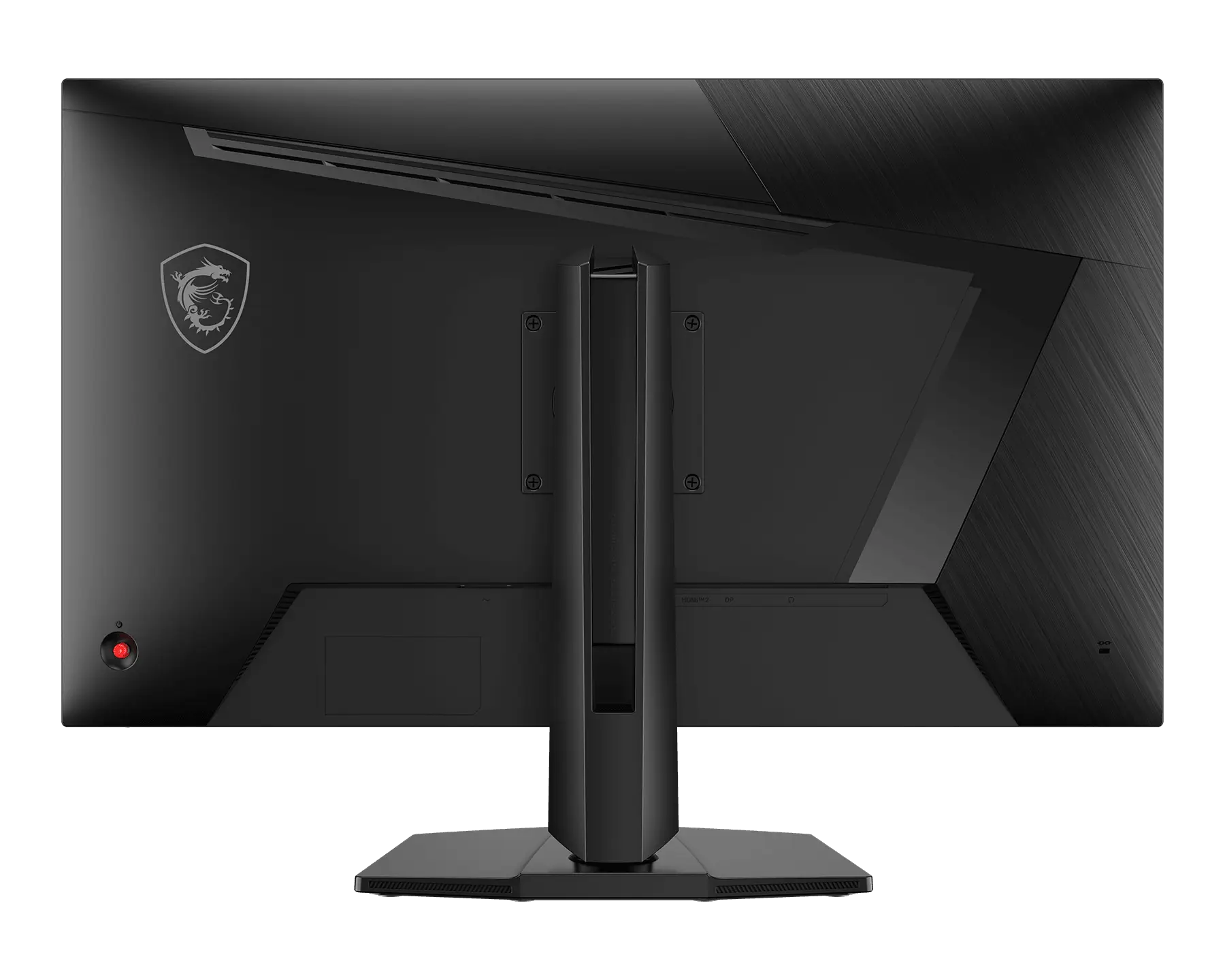
The sleek, adjustable stand lets you easily fine-tune the height, tilt, and swivel to your exact preference. For a minimalist setup, it also supports standard VESA mounting.
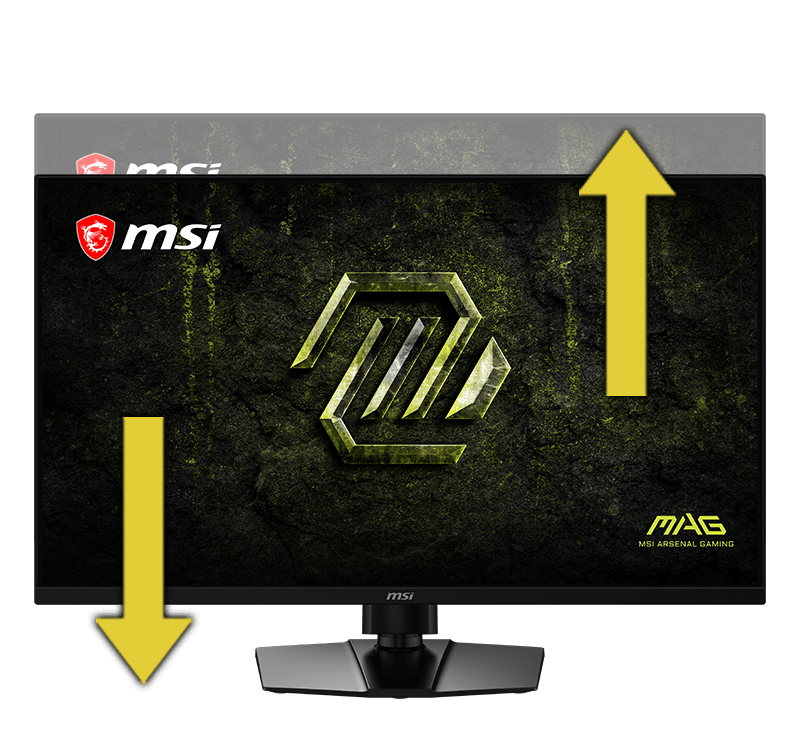
[ 0 ~ 100 mm ]
[ -5° ~ 15° ]
[ -30° ~ 30° ]

-


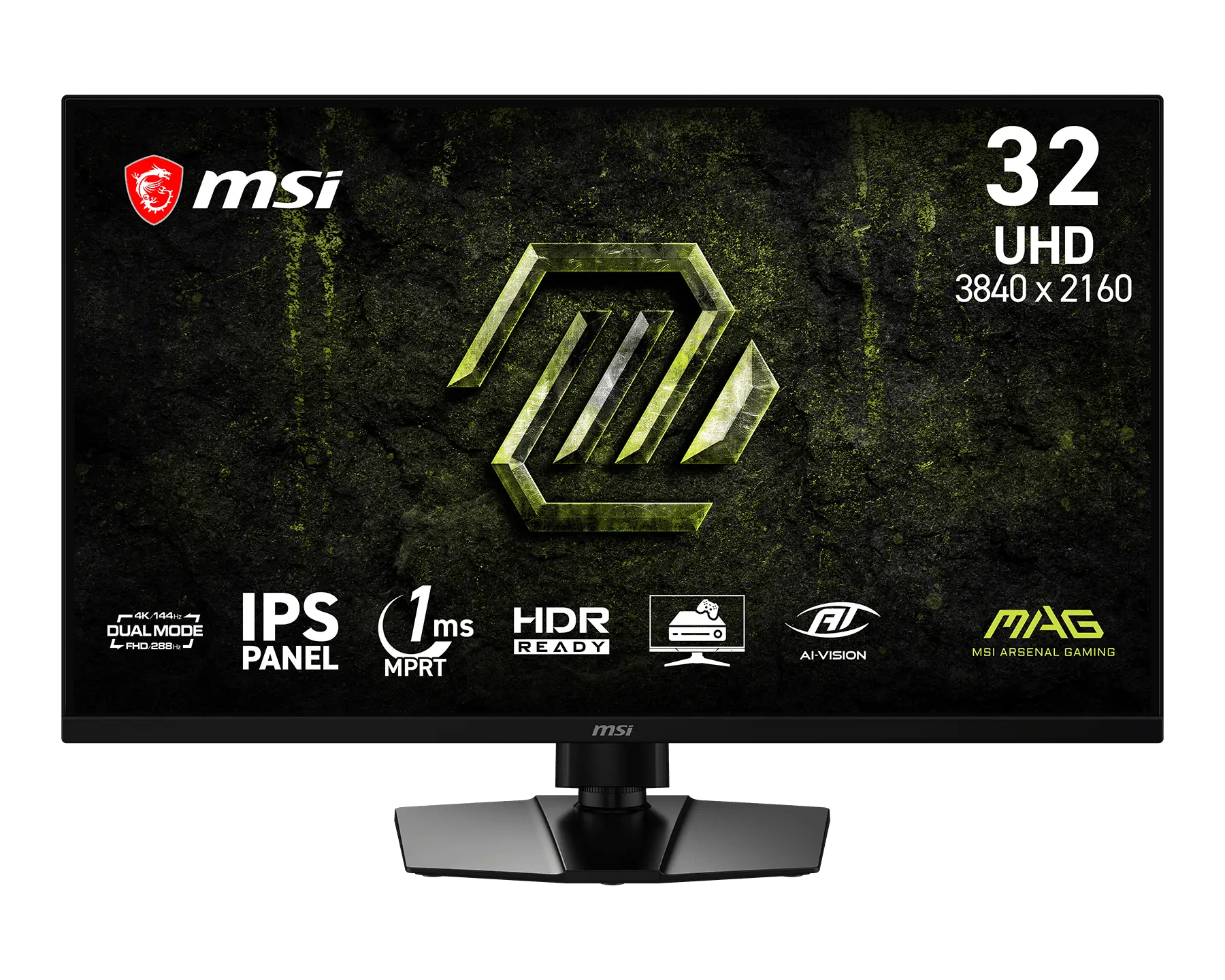
- Panel Size31.5"
- Panel TypeIPS
- Aspect Ratio16:9
- Resolution & Refresh Rate Normal 3840 x 2160 (UHD) 144Hz Dual Mode 1920 x 1080 (FHD) 288Hz
- Response Time1ms (MPRT)
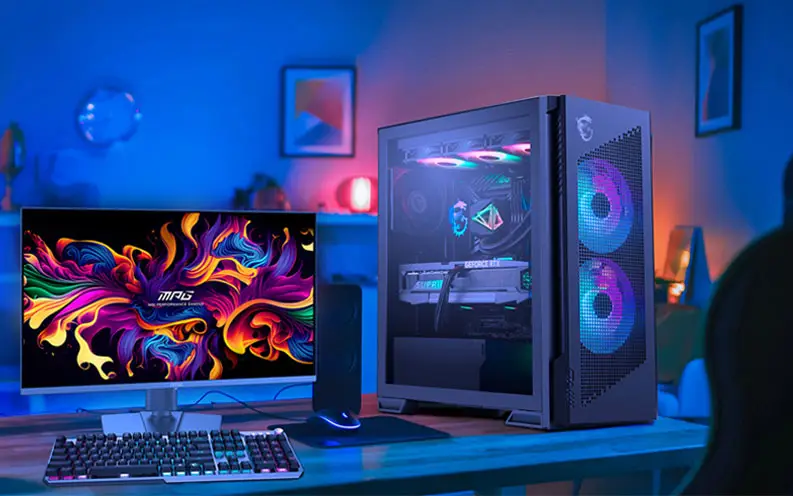
Build the Ultimate Battle Station
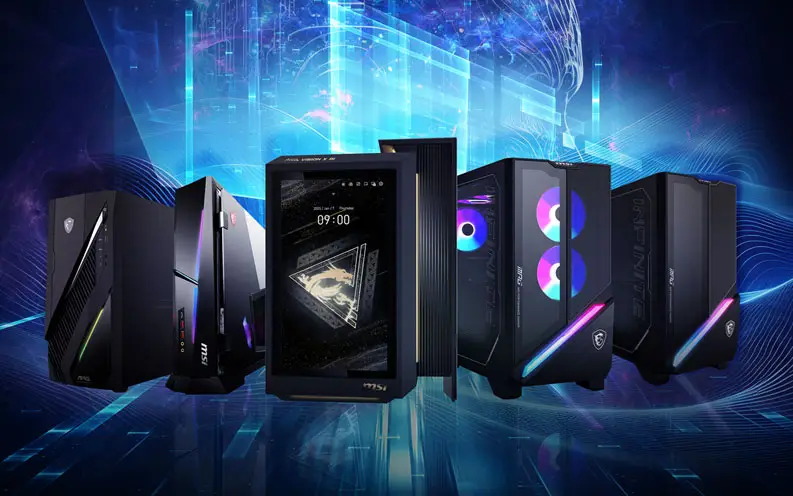

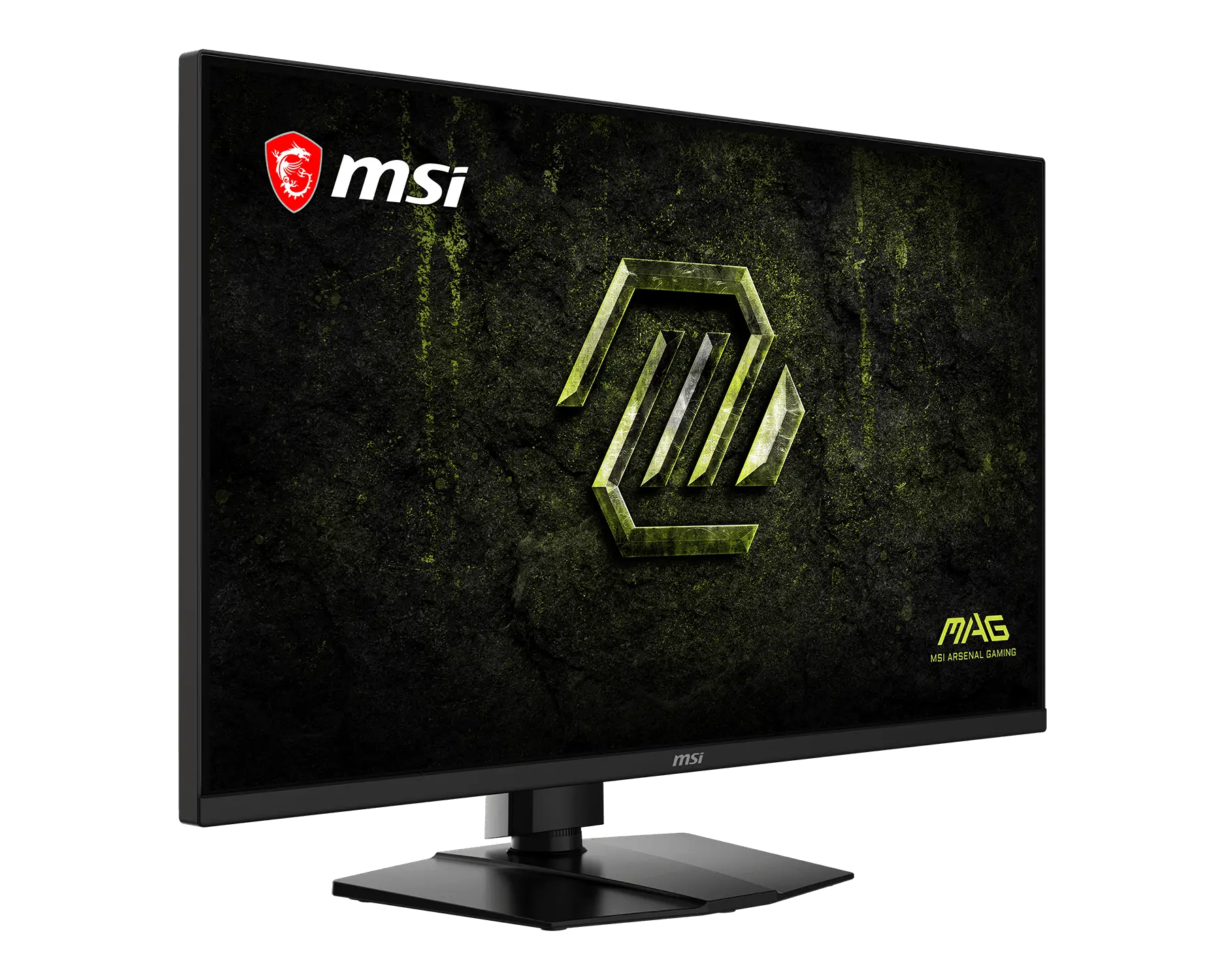
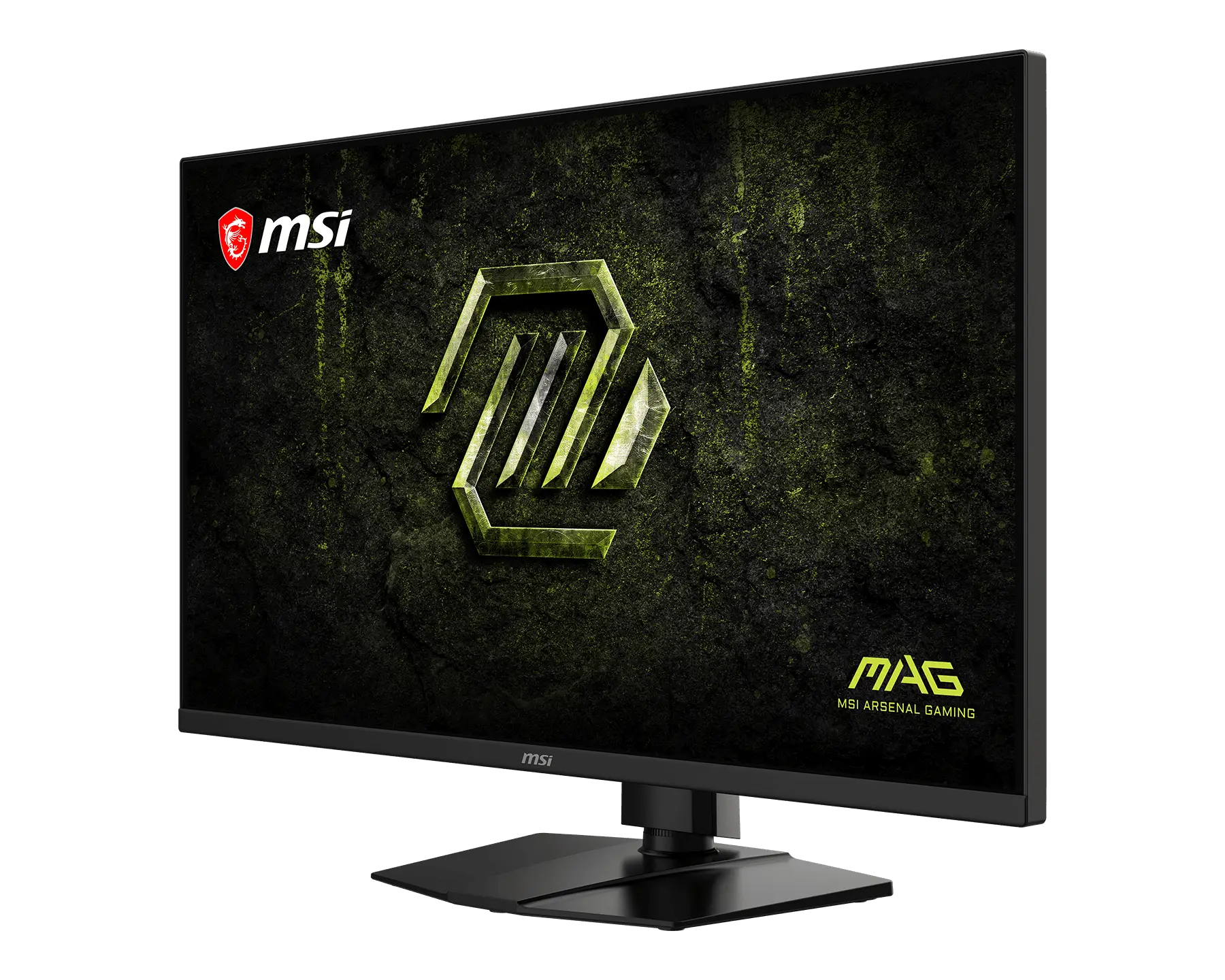
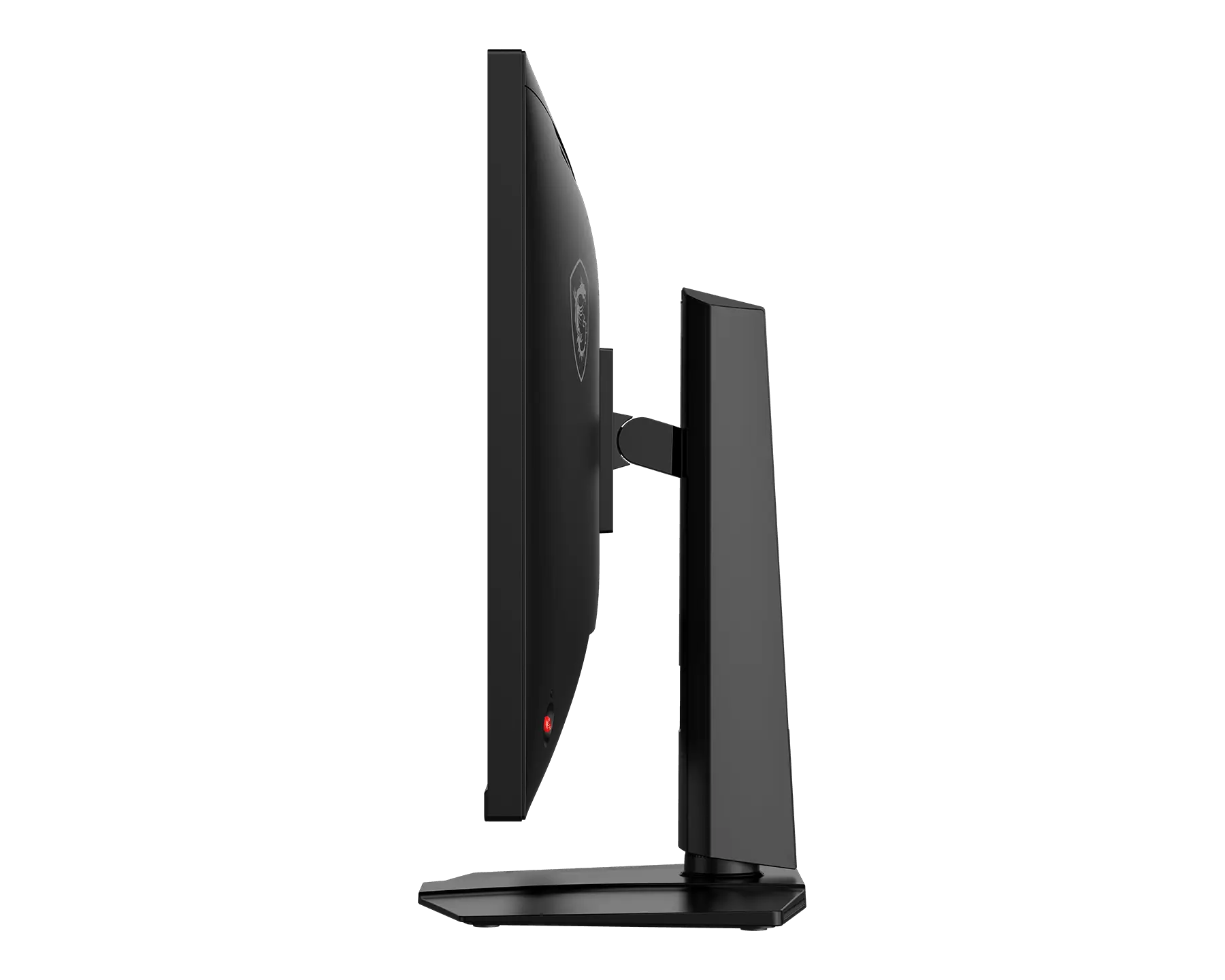
MAG 321UPD E14
- Dual Mode – Easily switch between different resolutions and refresh rates, allowing user to adjust settings based on the game.
- 1ms (MPRT) Response Time – Delivers sharper, clearer motion for fast-paced gameplay.
- Console Mode – Optimized for seamless compatibility with gaming consoles like PS5 and Xbox Series X | S.


1. 사양은 지역에 따라 달라질 수 있으며, 사전 고지 없이 변경될 수 있습니다. 해당 지역 판매자에게 확인하십시오.
2. 제품의 색은 사진 촬영 기법과 모니터 설정에 영향을 받아 실 제품과 다를 수 있습니다.
HDMI™, HDMI™ High-Definition Multimedia Interface(고화질 멀티미디어인터페이스), HDMI™ 트레이드 드레스 및 HDMI™ 로고라는 용어는 HDMI™ Licensing Administrator, Inc.의 상표 또는 등록 상표입니다.